User guide
Install
The download is the same for the free trial and the paid version. Your licence key unlocks it after the trial.
What's in the download
| File | Use it for |
|---|---|
Kitfold for Mac.pkg | macOS installer. The easiest way on a Mac. |
Kitfold Setup.exe | Windows installer. Installs the signed panel for your Windows account; no admin rights needed. Uninstall from Settings › Apps. |
Windows/Install-Kitfold.cmd | Backup script installer, if Setup is blocked on a managed PC. |
Kitfold-1.0.0.zxp | The signed extension itself, for any ZXP installer on Mac or Windows. |
README-FIRST, guide, licence | Quick start, user guide, EULA, privacy and refund policies. |
Quit Illustrator before you install.
macOS
- Double-click
Kitfold for Mac.pkgand follow the steps. - If macOS says the installer can't be opened, right-click (or Control-click) it, choose Open, then Open again.
- Start Illustrator and choose Window › Extensions › Kitfold.
Windows
- Unzip the download first — don't run the installer from inside the ZIP.
- Double-click
Kitfold Setup.exeand follow the steps. If Windows SmartScreen appears, click More info › Run anyway. - Wait for the window to say the install finished, then start Illustrator and choose Window › Extensions › Kitfold.
Any computer: install the ZXP
If the installers above don't work on your setup, install Kitfold-1.0.0.zxp with a free ZXP installer app (for example the aescripts + aeplugins ZXP Installer): open the app and drag the ZXP onto it. Then restart Illustrator.
First launch
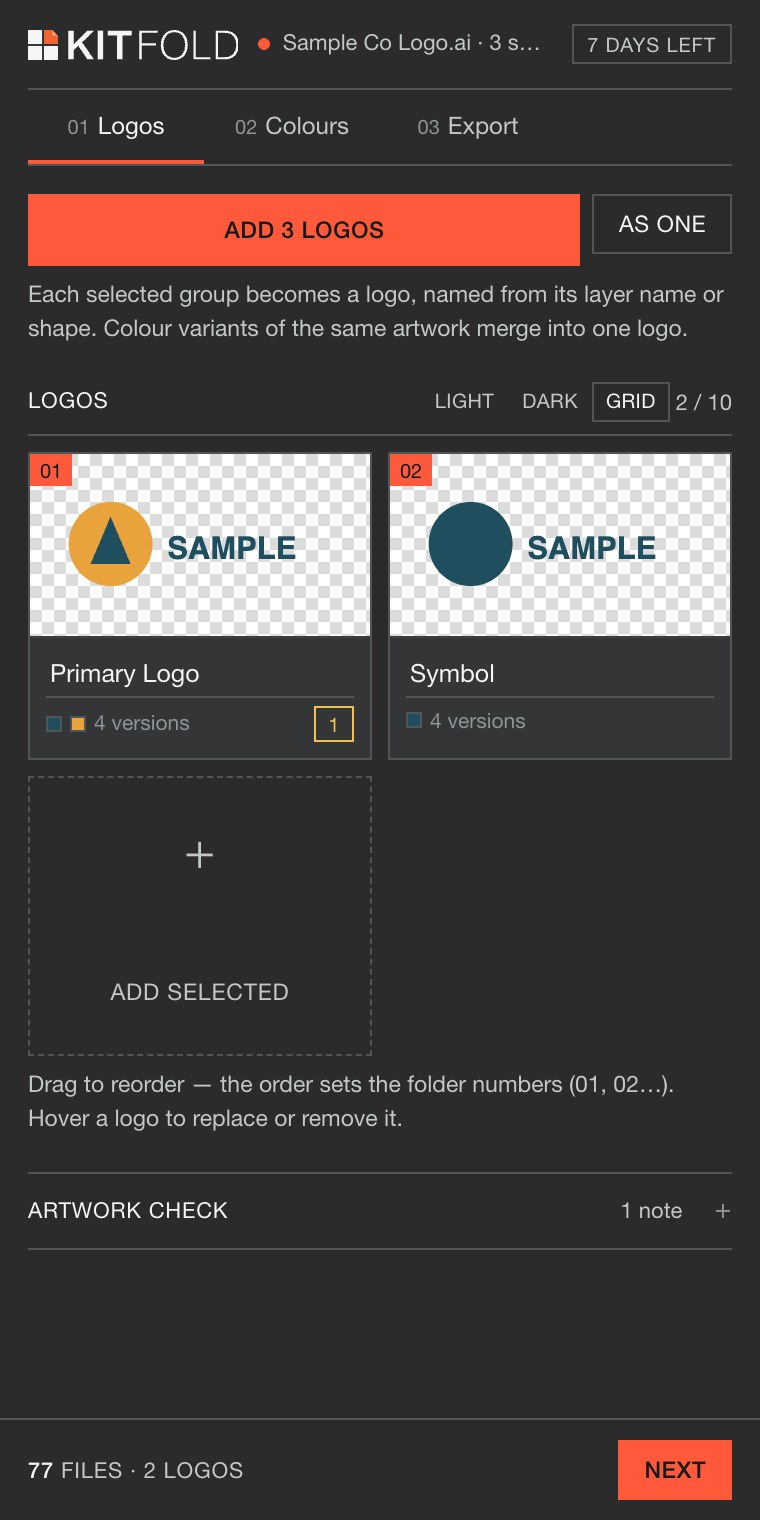
The first time the panel opens, your 7-day trial starts. Every feature works during the trial, with no account. The badge at the top right of the panel shows how many days are left. See Licence & computers.
Updating
Install the new version over the old one in the same way. Your settings, saved presets and licence are kept.
Uninstalling
First deactivate this computer from the licence screen, so the activation can be used elsewhere. Then quit Illustrator and uninstall: run Uninstall Kitfold.command from your download on a Mac, or use Settings › Apps › Kitfold on Windows. Or delete the com.kitfold.panel folder from Adobe's extensions folder yourself:
- macOS:
/Library/Application Support/Adobe/CEP/extensions/or~/Library/Application Support/Adobe/CEP/extensions/ - Windows:
C:\Program Files (x86)\Common Files\Adobe\CEP\extensions\or%APPDATA%\Adobe\CEP\extensions\